

How to take Screenshot on iPhone X, XS & XR 2019!!
How to take Screenshot on iPhone X, XS & XR 2019!!

Taking screenshot is a very basic step, however, sometimes we face difficulties when buying a new phone.Screenshot feature is extensively used for capturing social media post, a recipe, quote or anything for your own personal record or for sharing with friends. iPhone X, XS & XR is very popular nowadays due to its extravagant features. However, as iPhone has launched news models recently and just a few months back they have arrived to market, many people are finding it difficult to take the screenshot on iPhone X, XS & XR.
As Apple is launching new devices with new reforming designs, the company is removing its physical buttons, which has made it difficult to take a screenshot. So here’s a small guide for people who have just bought any of these new iPhones and are searching for how to take a screenshot.
How to take a screenshot on iPhone X, XS, & XR
- Open the image or an app or anything that you want to take a screenshot off.
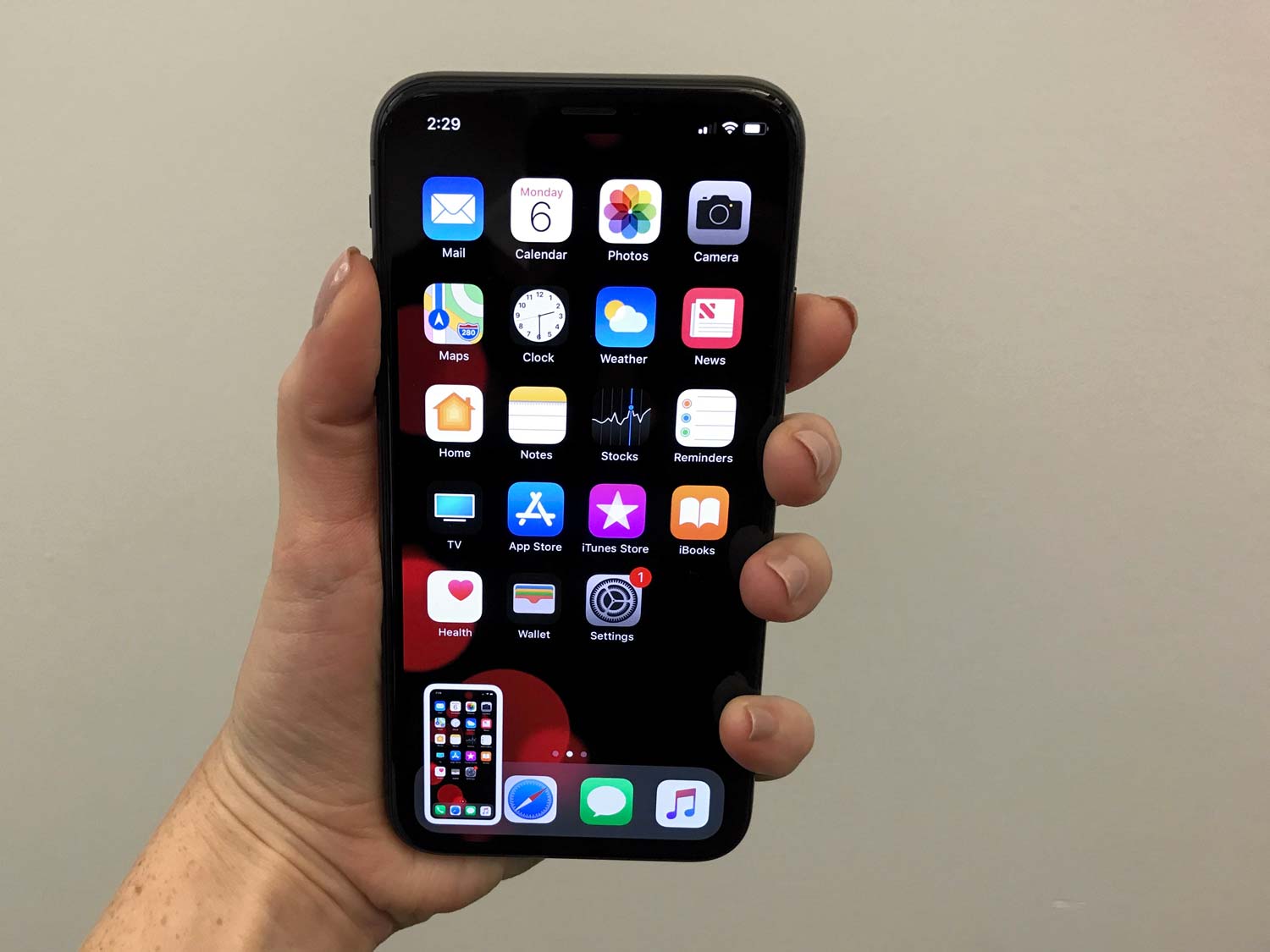
- Set that thing just according to the way you want it to look like in the screenshot.
- Now look for the Side button on the right side of iPhone X or iPhone XS or iPhone XR.
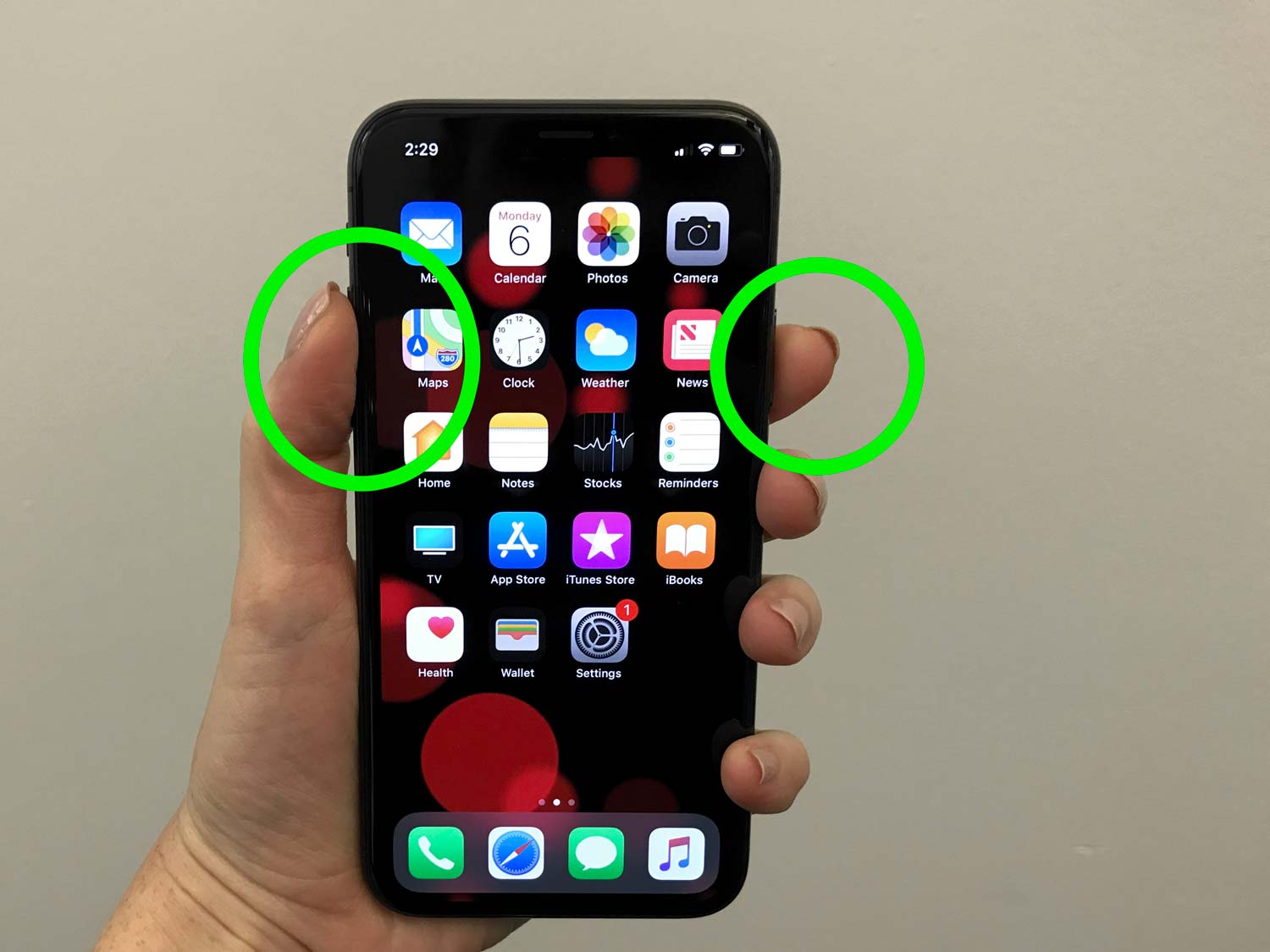
- Press and hold this side button which would be available on all the devices mentioned above.
- At the same time click the volume up button that is on the opposite side.
- The screen will flash in white colour which will confirm that the screenshot is successfully taken.
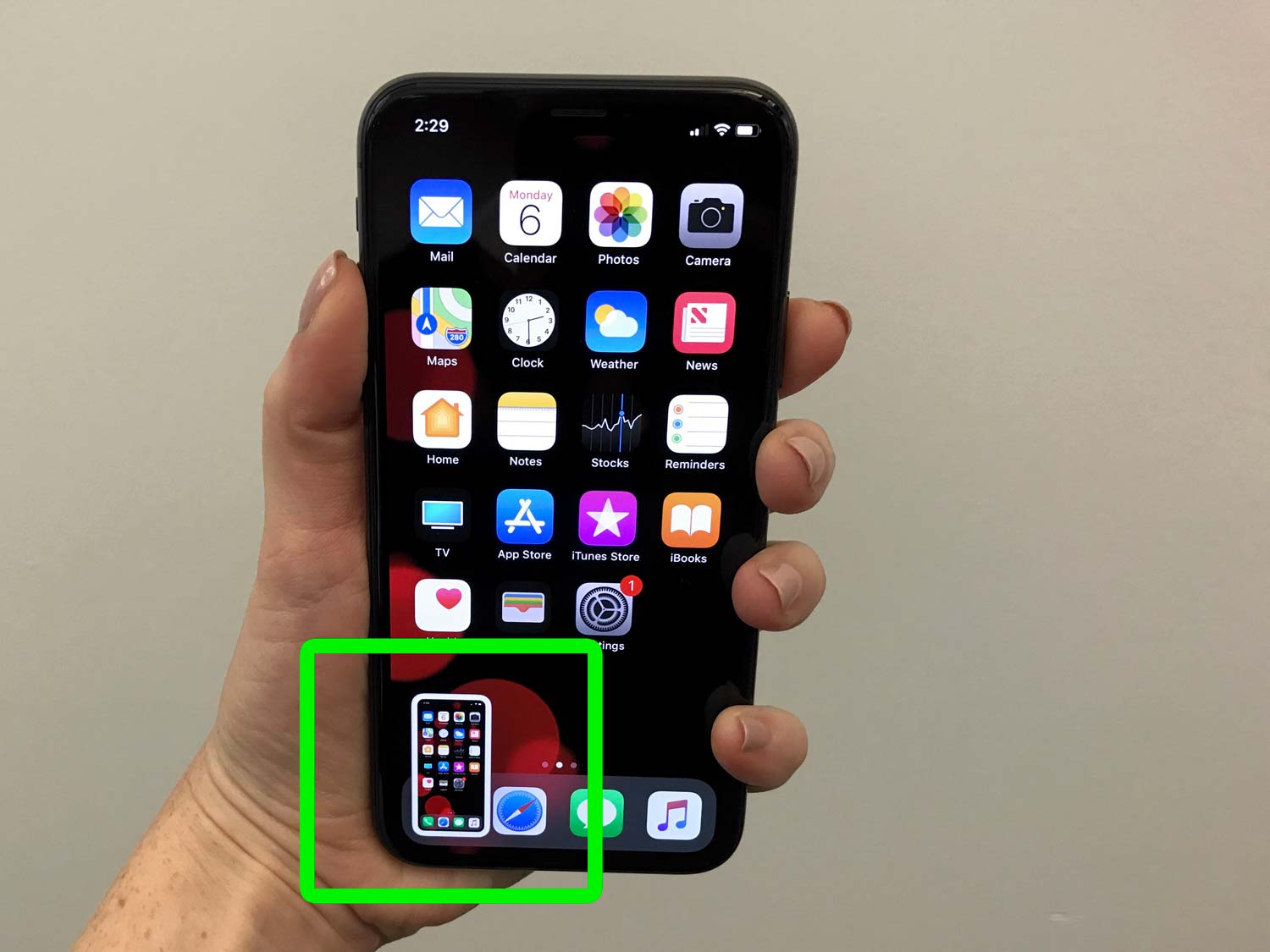
- You’ll also see a preview of the screenshot you just took.
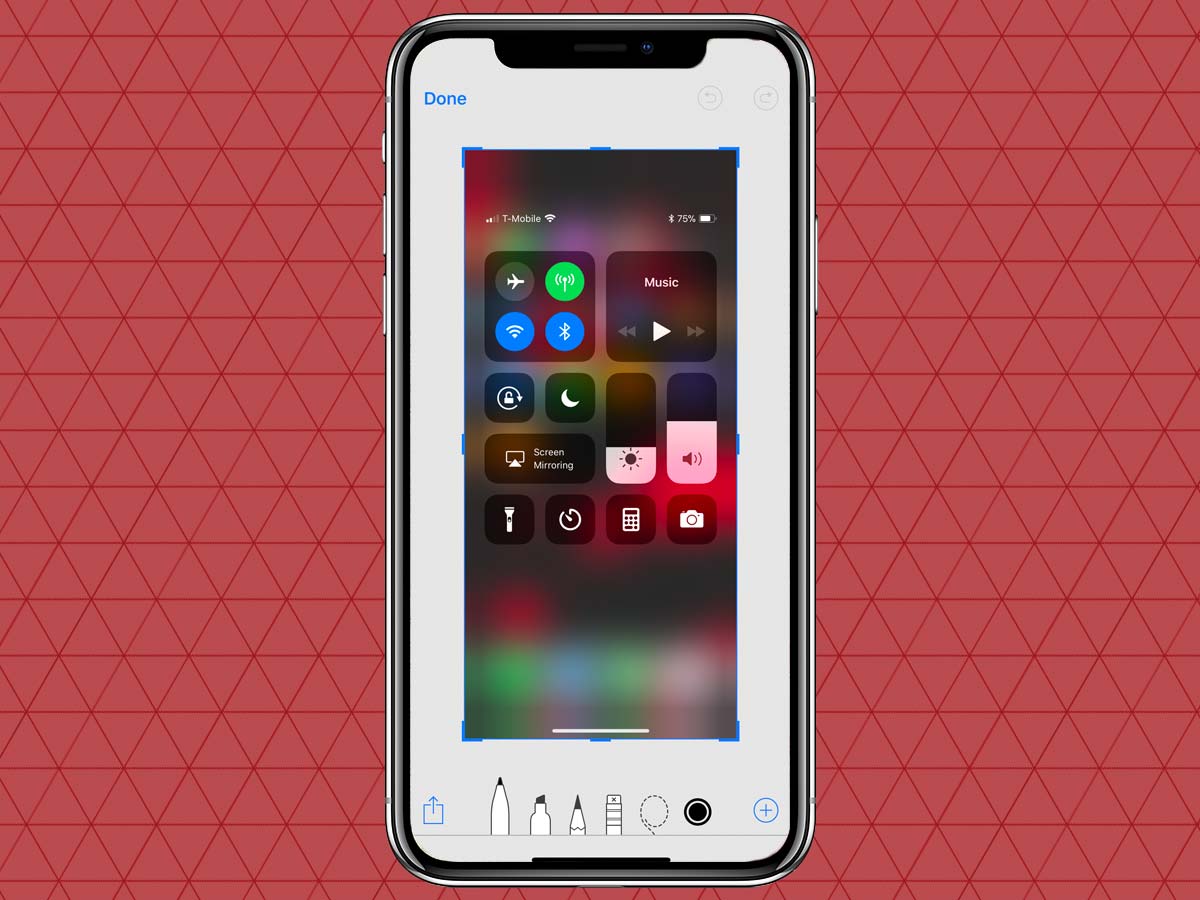
- You will be asked to save or delete the screenshot.
- One can also edit the screenshot taken.
Here’s a guide on How to Take Screenshot on Xiaomi Phone.
How to take Screenshot on iPhone X, XS & XR 2019!!
 Reviewed by Naqvi Tech
on
January 08, 2019
Rating:
Reviewed by Naqvi Tech
on
January 08, 2019
Rating:
Reviewed by Naqvi Tech
on
January 08, 2019
Rating:


No comments: